

When it comes to operating your business using both Odoo and Xero, managing both of these systems separately can be difficult. Manually entering accounting, sales, and inventory data can be time-consuming and can cause discrepancies in your accounting records.
The Odoo Xero Connector enables smooth integration of both Odoo and Xero. With the help of this connector, you can ensure that your data is properly updated and accurate through real-time synchronization of your data, as well as bi-directional data flow.
Seamless Real-Time Data Sync
Having accurate and updated information on both the systems is central to ensure smooth data processing. The Odoo Xero Connector integrates data between Odoo and Xero promptly which saves companies from making repetitive manual updates.
Automated synchronization can streamline the ways organizations get updated information about financial data and operations which can help employees to do have data updated with less manual processing.
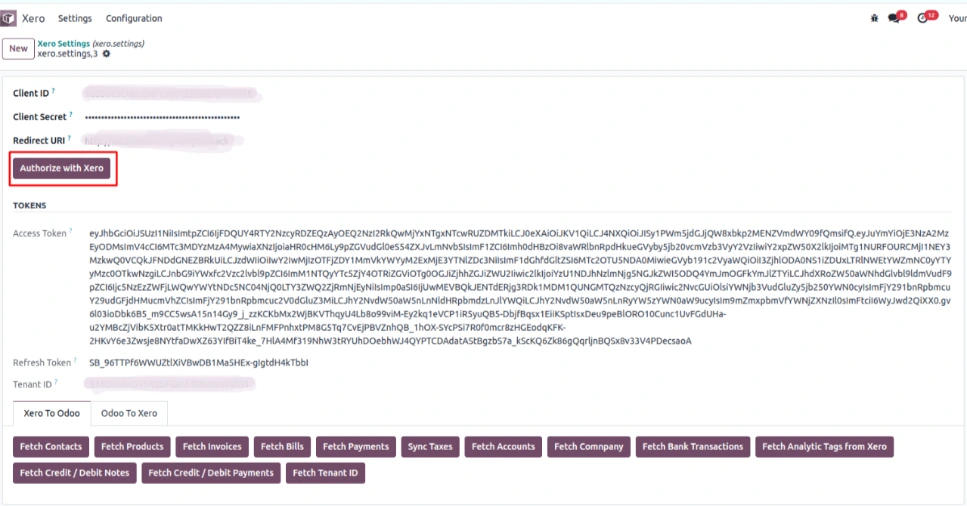
Two-Way Data Synchronization
The source of business information is not necessarily the same system. The connector offers bi-directional data synchronization in the sense that the modifications that were made in either Odoo or Xero will be presented in the other system.
The application of bi-directional data synchronization helps businesses keep their business operations in check while different teams work on other systems at the same time. The modifications made in every system can be made up to date which creates a more cohesive working environment in terms of the business operations and accounting information.

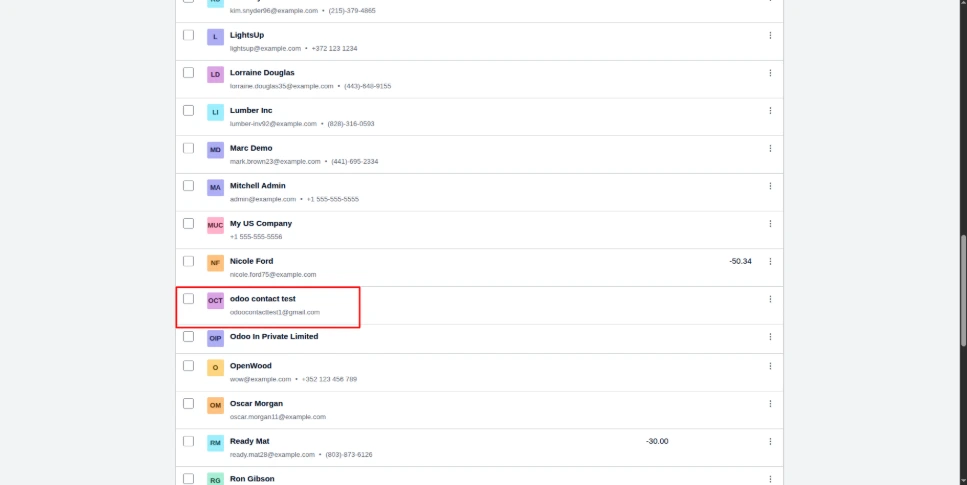
Effortless Data Integration
By integrating your ERP system into your accounting system, you will enable a more streamlined process of managing disparate parts of your business information. The Xero Odoo Connector provides the integration of the sales, financial, and inventory data between Odoo and Xero, allowing a business to store identical records across its operations.
A company may use the connector to avoid maintaining the information in both systems separately, thus ensuring a higher efficiency of the process that leads to lesser duplication of information.

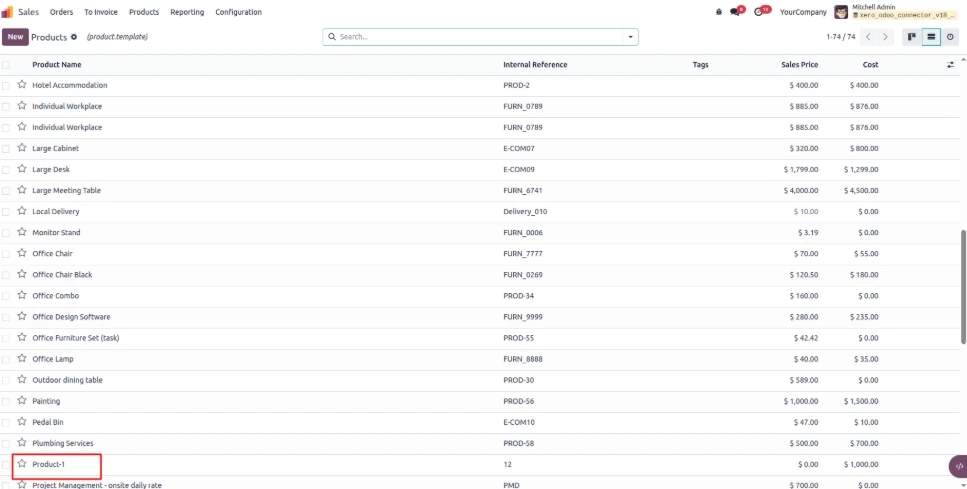
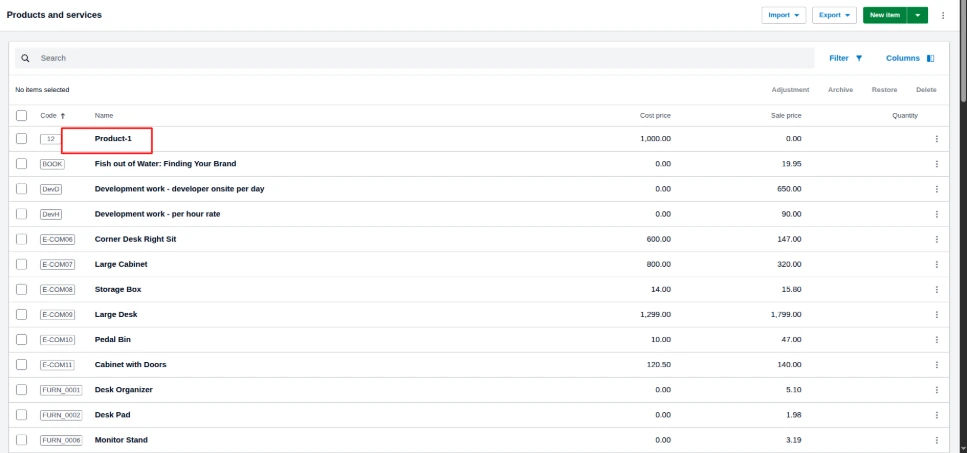
Simplify Odoo and Xero Integration
An effective Odoo Xero integration can help businesses reduce manual data management while keeping important business records aligned across their ERP and accounting platforms. With configurable synchronization, bi-directional data flow, and integration of financial, sales, and inventory information, the Odoo Xero Connector provides a connected approach to business data management.
If you want to connect Odoo with Xero and make data synchronization easier, don’t hesitate to contact us for additional information. Find out more about the Odoo Xero Connector and see how our team of experts can help you with its implementation for your business needs.
FAQ
The Odoo Xero Connector is an integration tool that syncs accounting, sales, and inventory data between Odoo and Xero in real time. It eliminates manual data entry by enabling bi-directional data flow, so records stay accurate and consistent across both platforms.
The Odoo Xero integration works by automatically syncing data — contacts, products, invoices, payments, and bank transactions — between the two systems as changes happen. Users authorize the connection once via Xero, then the connector handles ongoing synchronization without manual intervention.
Yes, the Odoo Xero Connector supports full bi-directional (two-way) data synchronization. Changes made in Odoo automatically reflect in Xero, and changes made in Xero automatically reflect in Odoo, keeping both systems aligned regardless of which platform a team updates first.
The connector syncs contacts, products, invoices, bills, payments, credit/debit notes, bank transactions, accounts, and analytic tags between Odoo and Xero. This covers the core financial, sales, and inventory data most businesses need kept consistent across both systems.
Businesses integrate Odoo with Xero to eliminate duplicate data entry, reduce accounting errors, and keep financial records synchronized in real time. It's especially useful for companies running Odoo as their ERP while using Xero for accounting and compliance.
Yes, the Odoo Xero Connector is built for real-time data synchronization. As soon as a record changes in Odoo or Xero, the update is reflected in the other system, minimizing lag and ensuring teams always work with current information.
To get started, install the connector, authorize the integration through Xero's OAuth login, and configure which data sets (contacts, products, invoices, etc.) to sync. For setup help, contact SerpentCS at Contact@SerpentCS.com for implementation support.



